

Tailor-made maintenance software from connectavo
The user settings in connectavo's maintenance software allow for comprehensive customization of the software for each individual user. This flexibility ensures that the software can be optimally tailored to the individual needs and workflows of each person.
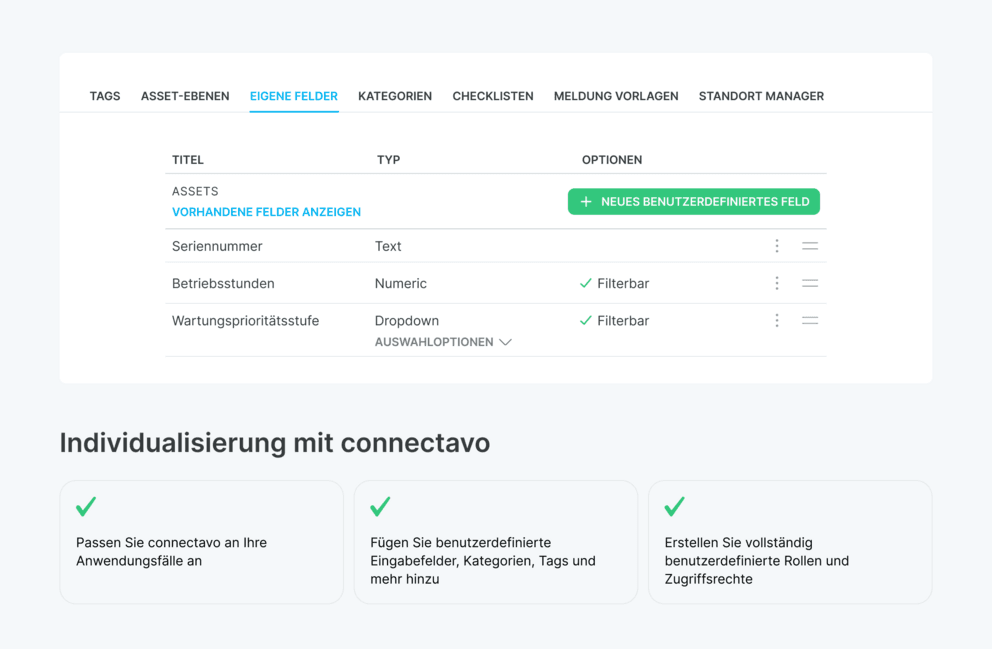
Individual customization of fields and categories
The maintenance software offers the ability to customize and name a wide variety of fields, categories, and other elements. This allows for a tailored configuration of the software. Personalization extends from the user's own image to how the user is notified of new messages and work orders – everything can be configured as needed.
The user settings ensure that the software not only meets standardized requirements but can also be individually adapted to the specific needs of the user.
QR codes for quick access to data
Another outstanding feature of the app is the ability to create QR codes directly within the software. QR codes offer a quick and efficient way to access stored data such as assets, spare parts, or maintenance documents. Using QR codes can increase user adoption, as users can access the information they need in seconds without having to navigate through multiple menus.
This feature contributes to increased efficiency and reduced search times by providing a direct and user-friendly method for querying data.
Tailor-made solutions for your industry
The personalization features of connectavo maintenance software are designed to adapt optimally to the specific needs of different industries. This flexibility allows for targeted customization of the software to the requirements of your industry:
- Maintenance software for industry: Learn how personalization offers tailored solutions for industrial applications.
- Maintenance software for municipalities: Discover the customization options that benefit municipal facilities
Further information on comprehensive personalization and the benefits of the maintenance software can be found on our website. Advantage page